Task state, at a glance
Keep supported task activity visible on an E-Ink screen while your AI tool runs on your computer.
> ./connect-ai --display elekscava
A small window into your AI workflow
InksPet turns an EleksCava E-Ink display into a desk companion for supported AI tools. See task activity, a pixel crab, RGB light cues, and physical approval controls without keeping a chat window open.
EleksCava hardware · $79 USD · Shipping and taxes shown at checkout
Read the Muse overview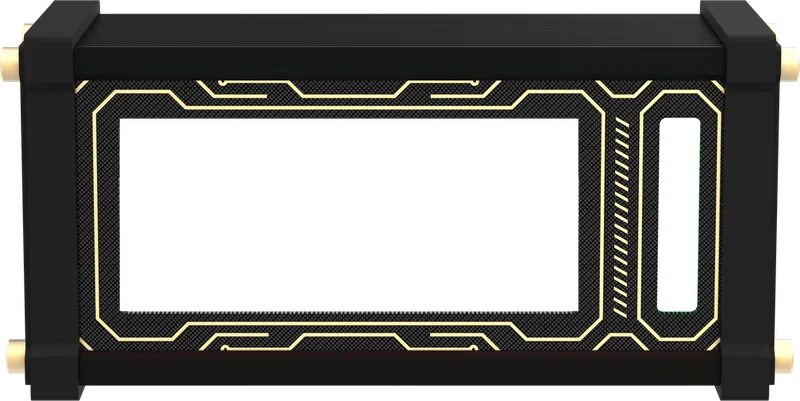
Made for a glance, built for a desk
Keep supported task activity visible on an E-Ink screen while your AI tool runs on your computer.
InksPet gives your desk a small, animated companion that reflects activity from supported integrations.
Use colored light to notice updates without opening another screen.
Where an integration supports it, use the device key for approval actions and hands-on control.
How it works
Power EleksCava over USB-C and connect it to a 2.4 GHz Wi-Fi network.
After buying the EleksCava hardware, use the browser-based flasher to install InksPet, then follow the setup guide.
The AI tool and model run on your computer. The device shows activity and controls provided by the integration you choose.
Integrations depend on the tool
The connection method and available features vary. Claude Desktop uses Bluetooth Low Energy (BLE). Codex uses a local bridge and hooks. Other tools may have different setup steps and capabilities.
Muse compatibility has not been verified. This is EleksCava hardware with InksPet firmware, not Muse hardware, a Muse account, or a Muse-supported product.
Already have an EleksCava?
Install InksPet on your device with the browser flasher, then follow the setup guide. The guide is currently in English.
FAQ
No. The purchase is for EleksCava hardware. After it arrives, install InksPet yourself using the browser-based flasher and setup guide.
No. The AI tool runs on your computer. EleksCava displays supported status information and provides controls through the selected integration.
There is no separate subscription for InksPet firmware. Your chosen AI service or tool may have its own subscription or usage fees.
No. Connections and available actions differ by tool and integration. Check the InksPet setup guide for the current options.
> checkout --elekscava
Buy the EleksCava hardware, then install InksPet yourself through your browser. InksPet firmware has no separate subscription; your AI tool may have its own fees.
Buy EleksCava hardware — $79Shipping and any applicable taxes are calculated at checkout.
Read the Muse overview